My Responsibilities
I was brought into Mentor to help apply my user experience design skills to some of the internal websites in the company. Specifically in the facilities department, the department which I worked for in Shannon. Those websites included their Sharepoint Intranet site. An Intranet is an internal website that houses documents, folders and information needed for each department on one site. Think of it as a google drive for your own company. As well as the companies individual facilities sites. So for example, Shannon would have its own Mentor Graphics page with some Information on it and so would the other facilities around the world be it in America, Europe, the Middle East or Africa. For this case study I will mainly talk about my role with the Sharepoint Intranet site.
The first thing I had to do was undergo training for Sharepoint. Sharepoint is a web based collaborative platform that is used for document management and as a collaboration tool developed my Microsoft. It is used mainly as an intranet within companies, essentially an in company website. I interviewed and received training from the head Sharepoint developer at Mentor who was based in Oregon and he also pointed me towards the best learning resources.
Once I got to grips with the software it was time to move onto the research and discovery page of this project. The main reason I was brought on board at Mentor was to help improve the user experience within the EMEA Sharepoint site. It hosted hundreds if not thousands of important files, links and information about various sections within the facilities department. Overtime these types of websites, without a proper structure or strict rules to adhere by can easily become unmanageable. This sort of problem just leads to wasted time trying to hunt for a certain file or trying to sift through unstructured content or getting to a dead end.
As I cannot reveal any the specific details of my project I will be going over the methodologies that I applied to this project and the reasoning behind them in order to be respectful to Mentor.
Methodologies
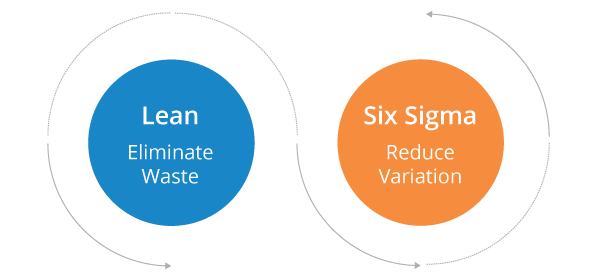
Lean Six Sigma is a methodology that relies on a collaborative team effort to improve performance by systematically removing waste and reducing variation.
The Sharepoint redesign team consisted of three individual and Lean Six Sigma was the key project management tool we used throughout the project. A tool within Lean Six Sigma that we used for example, was the Five Whys.
The Five Whys is a technique used as part of your analysis phase. By repeatedly asking the question “Why” , you can peel away the layers of symptoms which can lead to the root cause of a problem. Why is the user experience of our site poor? = Because there are too many files. Why is there too many files = Because every user can upload as many files as they want. Why can the user.... etc etc. It is a great technique for narrowing down to a specific problem instead of a broad, unmanageable one.
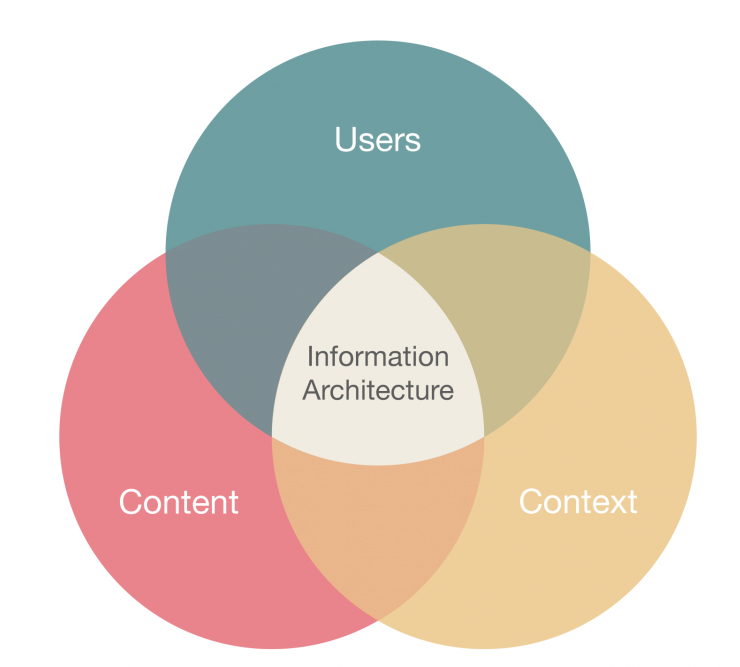
Information Architecture to me is all about organization of information in a clear and logical way. Allowing the user to easily navigate through and app, website or anywhere with complex sets of information. For a companies Intranet site it is extremely beneficial to have the site layed out in a logical way.
For the Sharepoint site I tried my best to to analyse the information architecture as a new user to the site. I tried to be as neutral as possible and see what was the good and the bad in its current state. Following this I would go onto interview expert, intermediate and beginner Sharepoint users to get their feedback and thoughts on the site.
Information Architecture Analysis
User Interviews
In order to learn as much as I could about the EMEA Sharepoint site I interviewed, in person and through Skype, Sharepoint users of varying levels. I probed on how the user themselves used Sharepoint, what they liked/disliked and where they'd like to see Sharepoint go.
As well as asking each user to find certain files or a group of files within the site. I asked the user to speak aloud while trying to find such items in order to see the reasoning behind each step. Each interview was also screen recorded for further analysis after the interviews.

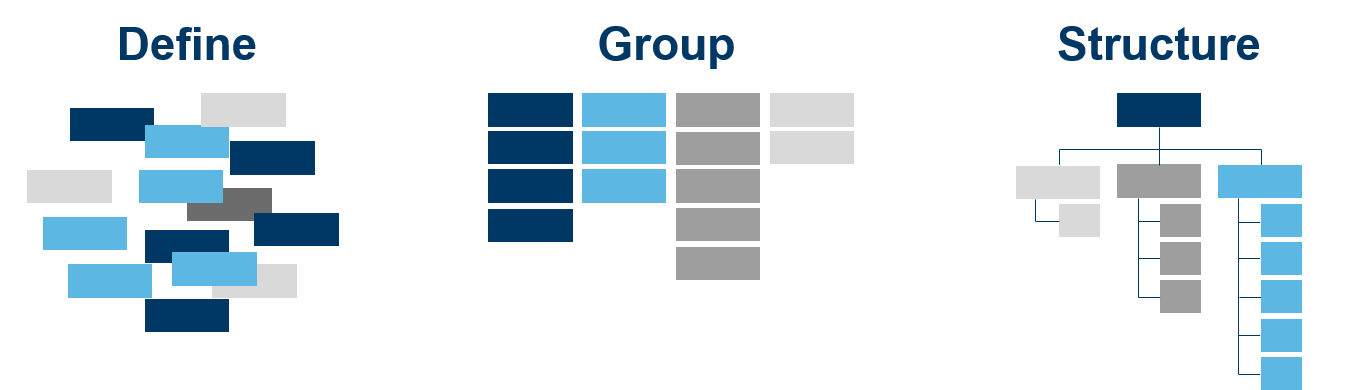
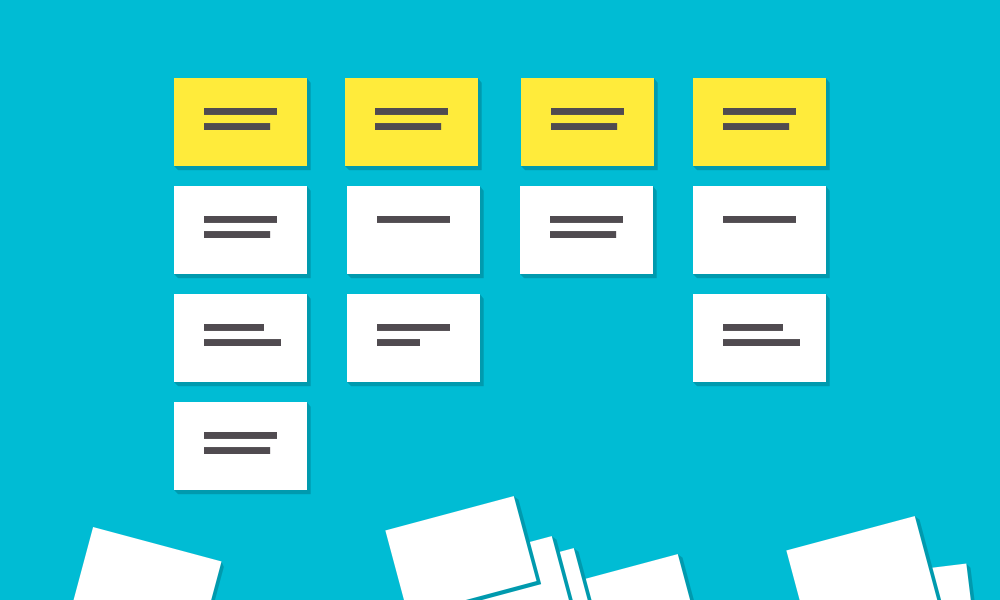
Since there was multiple sections within the Sharepoint site I also used a technique called Card Sorting. This helped me evaluate the current Sharepoint site but also allowed me to figure out what types of files and folders should be within each section.
In a card sorting session, participants organize topics into categories that make sense to them and they may also help you label groups by adding their own names if they feel the need.
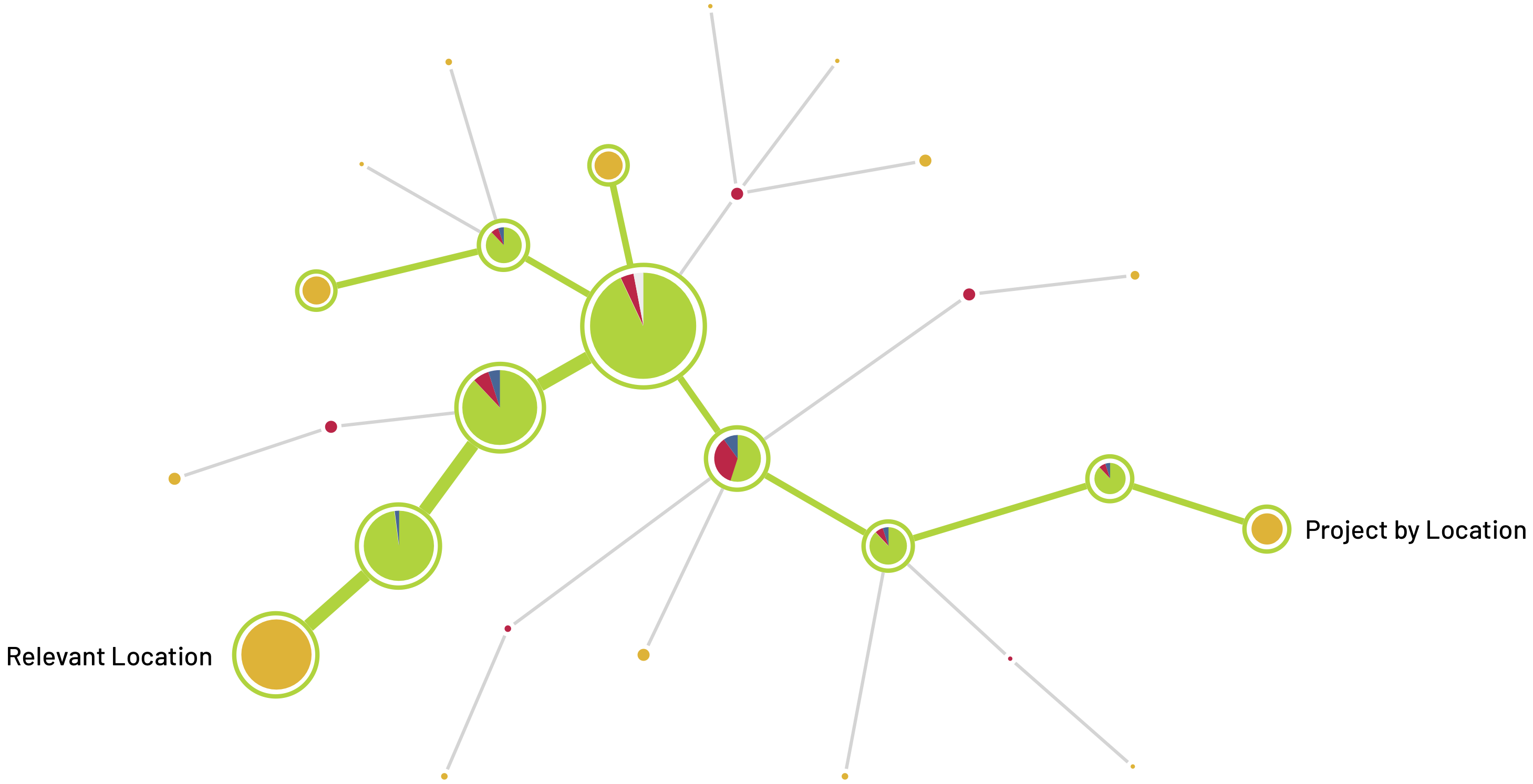
A tree test evaluates a hierarchical category structure, or tree, by having users find the locations in the tree where specific tasks can be completed.
Similar to the tasks undergone during the interviews with finding files I used tree testing to help test new Information Architectures that I built following my research and analysis phase.
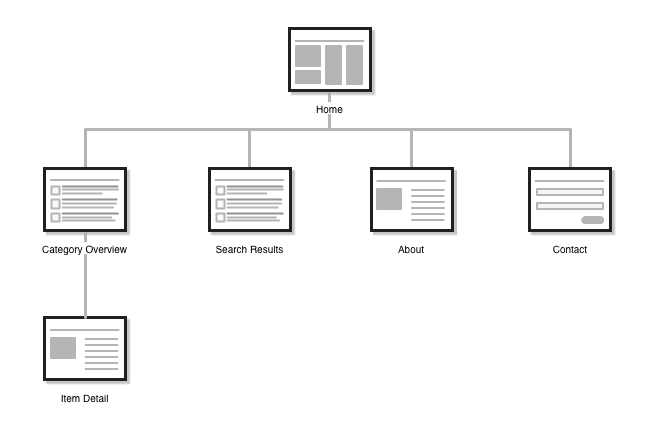
Sitemaps are a hierarchical diagram showing the structure of a website or applications. They are used in Information Architects to define the taxonomy through grouping of related content.
Throughout the design phase I worked on multiple site maps and through an iterative design process I built multiple site maps that I believed would work best for the EMEA Sharepoint site.